Notion Habit Tracker: Build One That Connects to Your Week
A habit tracker works when it is short, visible and reviewed. In Notion that means a small list of habits shown on the page you open each morning, a way to tick them off in one tap, and a weekly look at what held. This guide covers two designs, the properties each needs, the formulas for streaks, and the mistakes that make people quit.
Decide what you are tracking
Before building anything, write down three to five habits. For each, answer:
- Cadence: daily, a few times a week, or weekly?
- Time of day: morning, afternoon, evening or all day?
- Area of life: health, learning, finances, relationships?
Habits with a defined time and area are easier to follow because you know when and why. A vague habit like "be healthier" is a goal, not a habit; "walk 20 minutes after lunch" is a habit.
Design 1: A single Habits database
The simplest tracker is one database with a row per habit.
| Property | Type | Purpose |
|---|---|---|
| Habit | Title | Name of the routine |
| Area | Relation to Areas | Why it matters |
| Cadence | Select: Daily, 3x week, Weekly | How often |
| Time of day | Select: Morning, Afternoon, Evening, All day, Weekend, Sunday | When |
| Done today | Checkbox | Tick it off |
| Current streak | Number | Days or weeks in a row |
| Streak badge | Formula | Label for the streak |
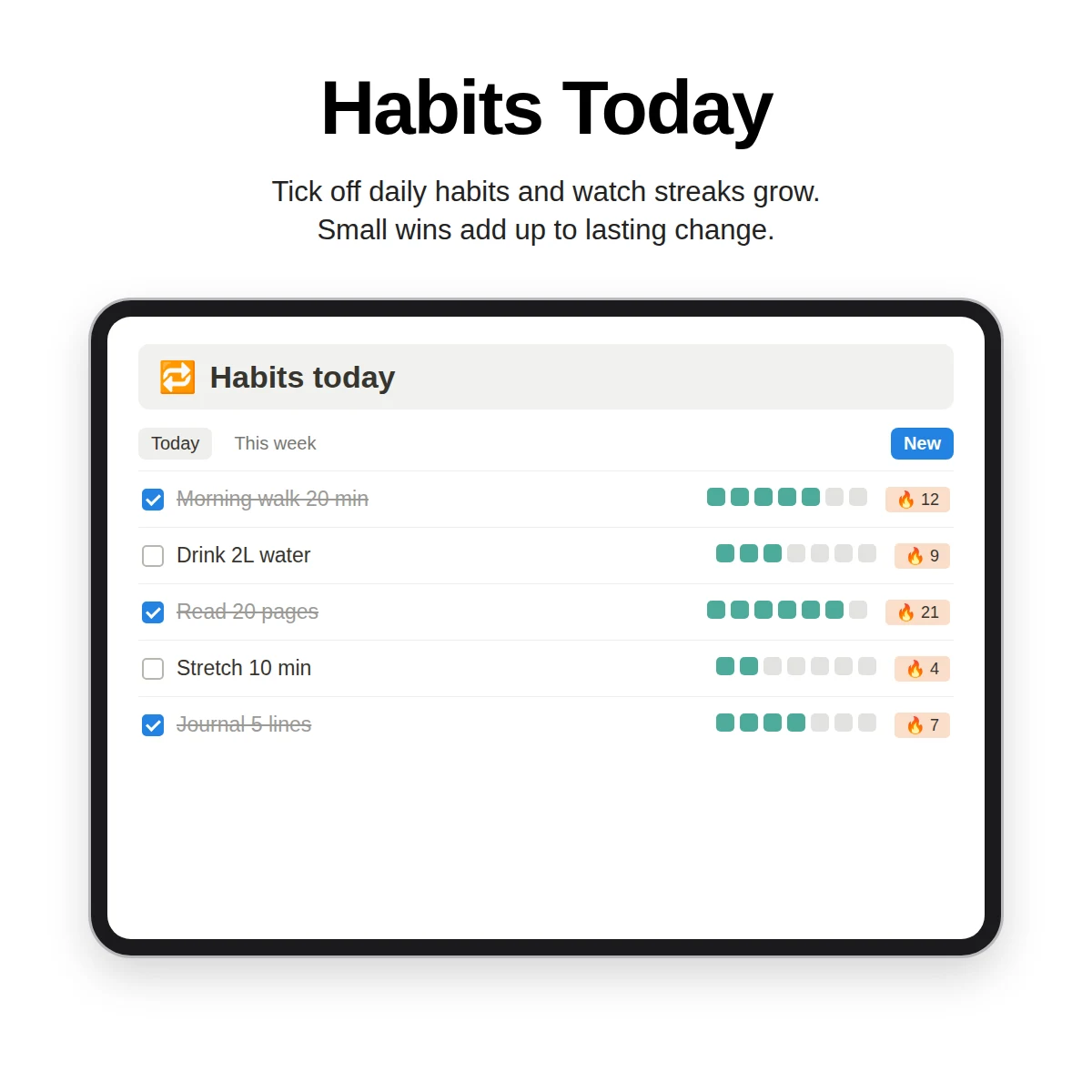
A Today view filtered to the habits you want to do now becomes a one-tap checklist. An All habits gallery and a By area board give you other angles.
The weakness of this design is history. A checkbox shows only the present state, so you need to reset it and you lose past days. That is fine if you only care about the streak.
Streak badge formula
A badge turns a number into encouragement. In Clarity OS the formula reads:
`if(prop("Current streak") >= 21, "🔥 21+", if(prop("Current streak") >= 7, "7+", "Building"))`
It shows "Building" at first, a "7+" label after seven in a row and a "21+" label at 21 or more (Clarity OS adds a small emoji to each). The thresholds are a motivational label rather than a scientific claim; adjust them to your habit and cadence. If you want to customize the logic, the formulas cheat sheet covers the building blocks.
Design 2: Habits plus a daily log
If you want history, separate the habit definition from the check-in.
- Habits database: one row per habit, as above.
- Daily log database: one row per day per habit, with a date, a relation to the habit and a done checkbox.
A rollup on the habit counts check-ins over a period, and a formula can compute a completion percentage. Notion also lets you display a number property as a bar or ring, which gives you a progress indicator without any extra tool.
The cost of this design is more rows to create. Use a recurring template or add the day's rows during your morning routine, and keep the number of habits small.
Keep it connected
A tracker in isolation is easy to ignore. Connect it:
- To areas: each habit links to an area, so opening Health shows its habits next to its goals and projects.
- To the dashboard: show "habits today" on your home page next to today's tasks. See how a dashboard is organized.
- To the weekly review: during the weekly review, look at which habits held and which did not, and decide what to change. The weekly review checklist includes a step for it.
Make the habit easier to start
Design the tracker around reducing friction:
- Tiny first version. A two-minute habit completed daily is better than a thirty-minute habit missed.
- Anchor to something that already happens. After coffee, after brushing teeth, after closing the laptop.
- Make it visible. Put the Today view at the top of your dashboard.
- Plan for misses. Decide in advance that one missed day is fine and two in a row triggers a change.
A 30-day experiment
Instead of committing forever, run a 30-day experiment on one habit. Record each day: done or not, a short note and how hard it felt from one to five. At the end, decide: keep, adjust or drop. A month of data tells you more than a plan.
Common mistakes
- Tracking too many things. More habits do not mean more discipline.
- Treating the streak as the goal. A broken streak is information; restart without punishing yourself.
- Not reviewing. Check what you tracked each week or the data is wasted.
- Perfect design, no use. Do the habit first; polish the tracker later.
If a habit relates to a health condition or treatment, use the tracker to record what you do and discuss changes with a qualified professional.
What Clarity OS offers for habits
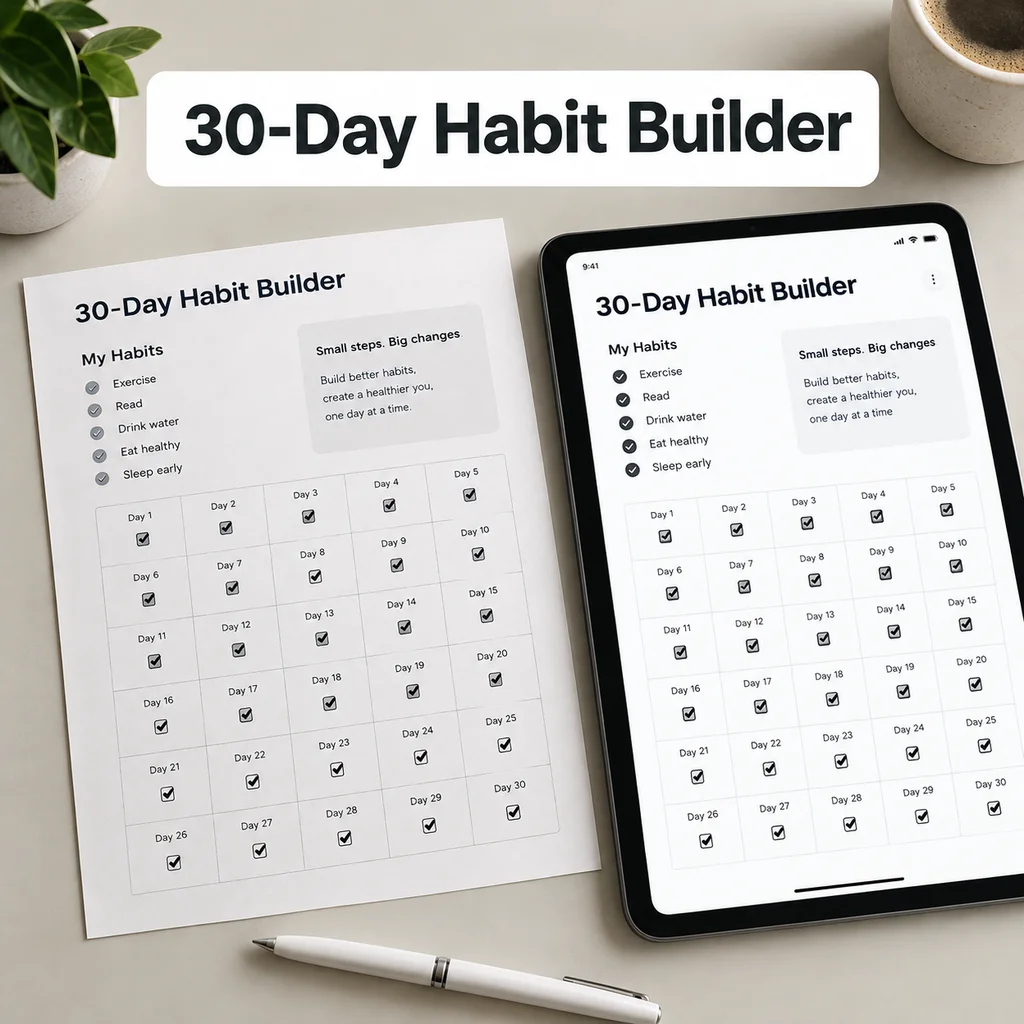
Clarity OS includes a Habits database with the properties above (area, cadence, time of day, done-today checkbox, current streak and the streak badge formula) and views for Today, All habits and By area. The library of 120 page templates adds a Habit Tracker page and a 30-Day Challenge page in the Health & Habits category, among others such as Sleep Log and Mood & Energy Tracker. A 30-Day Habit Builder Challenge PDF is included as a gift, and the companion web app has its own habit tracker.
How to plan the rest of your week around these habits is covered in the Notion planner guide.
Begin with three habits, check them for a week and adjust. A tracker earns its place by being used.