2027-2028 Digital Planner: What Is Inside a Two-Year File
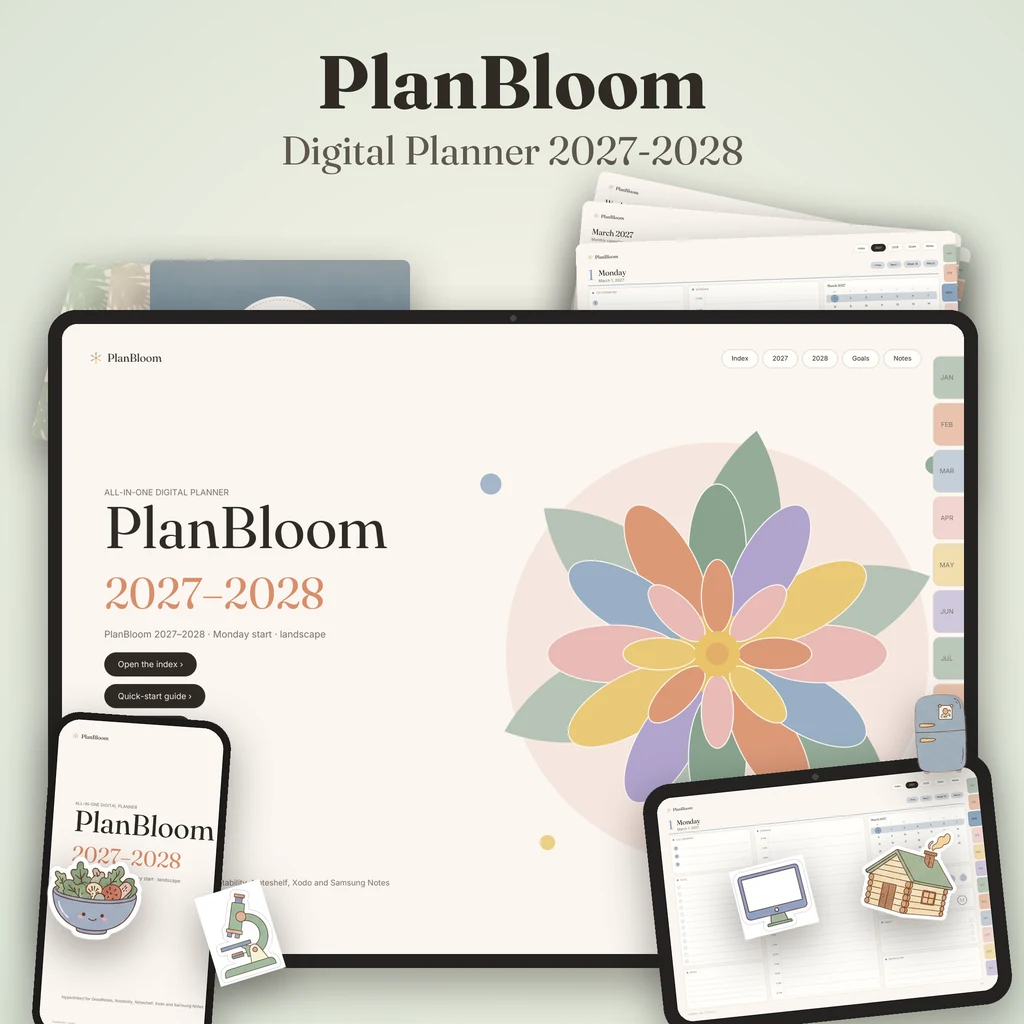
A dated 2027-2028 digital planner gives you a calendar, weekly spread and daily page for every day of both years in one hyperlinked PDF, so you can plan across two years without buying a new file. The numbers below describe what a full two-year planner contains, using PlanBloom All-in-One Digital Planner as the example.
Why a two-year planner
A two-year planner means one file, one set of covers and stickers, and the ability to look at next year while planning this one. You can place a trip in 2028 or a long project that crosses a year boundary without switching documents. The trade-off is size: a daily-page planner for 730 days is hundreds of pages long, which is why navigation matters.
What's inside
Each dated 2027-2028 file in PlanBloom All-in-One Digital Planner has 952 pages. The structure:
| Section | Count |
|---|---|
| Cover, quick start and index | A few pages |
| Year overviews | 2 (one per year) |
| Yearly goals pages | 2 |
| Monthly calendars | 24 |
| Monthly plan and review pages | 24 |
| Weekly spreads | About 105 |
| Daily pages | 730 (every day of 2027 and 2028) |
| Notes pages | 60 |
Pages are connected with roughly 50,000 internal links: month tabs, date numbers, week numbers, a top bar and back buttons. For how that works, see what is a digital planner.
Four layouts
The planner comes as four separate files:
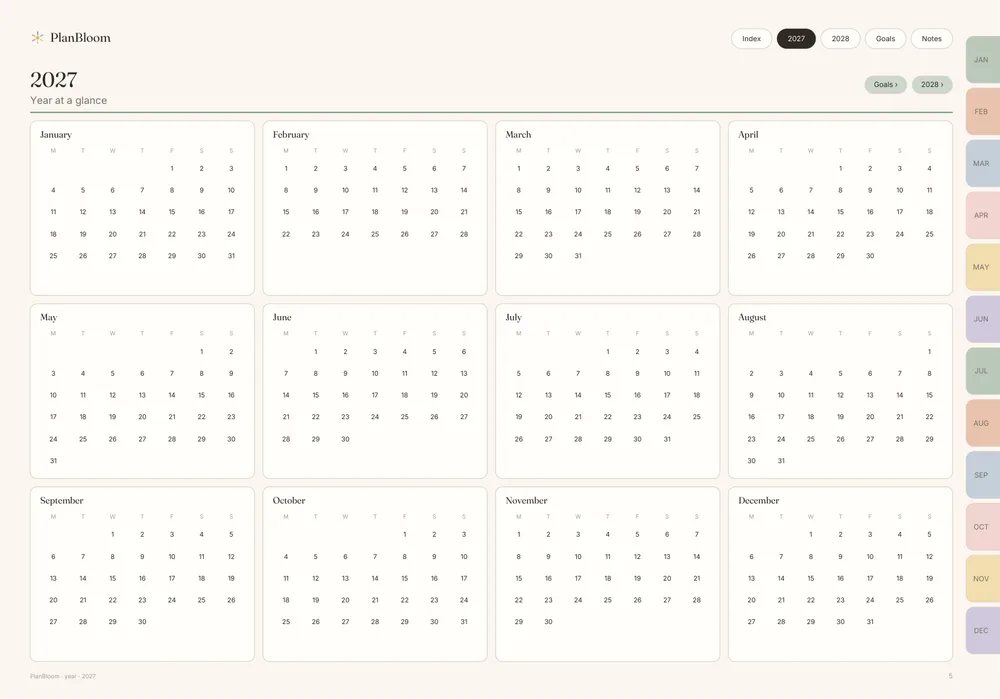
- Landscape, Monday start
- Landscape, Sunday start
- Portrait, Monday start
- Portrait, Sunday start
Landscape pages are 1194 × 834 points, portrait 834 × 1194. Choose one. Landscape suits tablets on stands and weekly spreads. Portrait suits paper-like use. Monday or Sunday only changes which day each week begins.
Dated vs undated
A dated planner has everything printed in; an undated one lets you write the dates yourself. The package includes an undated version in the same four layouts, 481 pages each (12 months, 53 weeks and 371 days). If you tend to skip days or want to begin on any date, undated avoids a trail of blank, past-due pages. If you like seeing the calendar filled in and holidays marked, choose dated.
Starting mid-year
You don't have to start on January 1, 2027. Open the planner and tap the tab of the current month. Fill in the year overview with dates you already know. If a few months have passed, you can skip them and move on. Nothing in a dated planner expires; unused pages simply stay blank.
Set it up in an afternoon
- Import the PDF into your notes app. See the GoodNotes planner guide for the steps.
- Add fixed dates for 2027 and 2028 on the year overviews and monthly calendars: birthdays, trips, term dates, renewals.
- Write up to three goals on the yearly goals page.
- Add a cover and a few stickers.
- Start your first weekly review. How to use a planner has the routine.
What else comes with it
The main package includes 48 tabbed notebooks, 120 paper templates, Student and Work packs, a Home Management Binder (gift), 160 covers, more than 5,500 stickers, an 18-page Quick-Start Guide and a Companion web app. The app has a setup wizard, a Today view, a focus timer, a brain dump tool, a 30-day habit tracker, nine guides and a calendar for 2027-2028 with US holidays.
Not included in the main purchase: a Finance & Goals Pack (88 pages), Lifetime Updates (which add a 2029 edition and future editions), a larger sticker and cover pack, and the ADHD & Wellness Bundle. These are optional add-ons.
Compatibility
The files are standard PDFs. They can be opened in GoodNotes, Notability, Noteshelf, Xodo and Samsung Notes, and in any PDF reader. Link support in notes apps depends on the app and version, which the Quick-Start Guide states. For a list of what to check across planners, see the best digital planner for iPad.
Is a two-year planner right for you?
Choose one if:
- You like planning with a long horizon.
- You want one file for two years of covers, stickers and notes.
- You use a tablet daily.
Choose something else if:
- You prefer paper (see digital vs paper).
- You don't want a big file.
- You want a short-term, one-year design.
Either way, the best planner is one you open.
Month-by-month rhythm for a two-year file
A long planner works best when you treat each month as a small cycle:
- Last week of the month: open next month's calendar, add known dates and write two or three goals on its plan page.
- First week: fill the weekly spreads for the first two weeks only. Later weeks stay open until you get there.
- Mid-month: check progress against the goals and adjust.
- End of month: use the review page to note what worked, what didn't and what to carry forward.
Doing this 24 times is how a two-year file turns into a habit instead of a stack of pages. If you skip a month, tap to the current one and carry on; the unused pages cost nothing.
Things to decide before you buy any two-year planner
- File size. Two years of daily pages is a heavy PDF. Confirm your app and device handle it comfortably.
- Which edition after 2028? Some sellers add new years later, some do not. Read the terms for what future editions cost, if anything.
- Layout lock-in. You'll likely stay with one orientation for two years, so choose carefully.
- Holidays. A dated planner may or may not mark public holidays. Add your own on the monthly calendar for the ones that matter to you.