Home Management Binder: What to Include and How to Set It Up
A home management binder collects the recurring information of running a household in one place: cleaning routines, meal plans, family schedules, maintenance records, contacts and key documents. A digital version keeps it searchable and easy to reuse each week. The list below shows what to include section by section, in a sensible order for starting small.
Why keep a binder
Household tasks repeat, but the details live in different places: the vet's number in your phone, the warranty in a drawer, the cleaning list in your head. A binder puts them together so you don't have to rebuild the information every time. It also lets other people in your home take over when you're away.
Section by section
Cleaning
- Daily cleaning routine (morning, afternoon, evening)
- Weekly cleaning schedule
- Monthly deep clean
- Seasonal cleaning
- Room-by-room checklist
- Cleaning supplies inventory
- Cleaning streak tracker
- Declutter plan (keep, donate, toss)
If cleaning routines are your main struggle, see the ADHD-friendly cleaning planner guide for ways to keep them small.
Meals
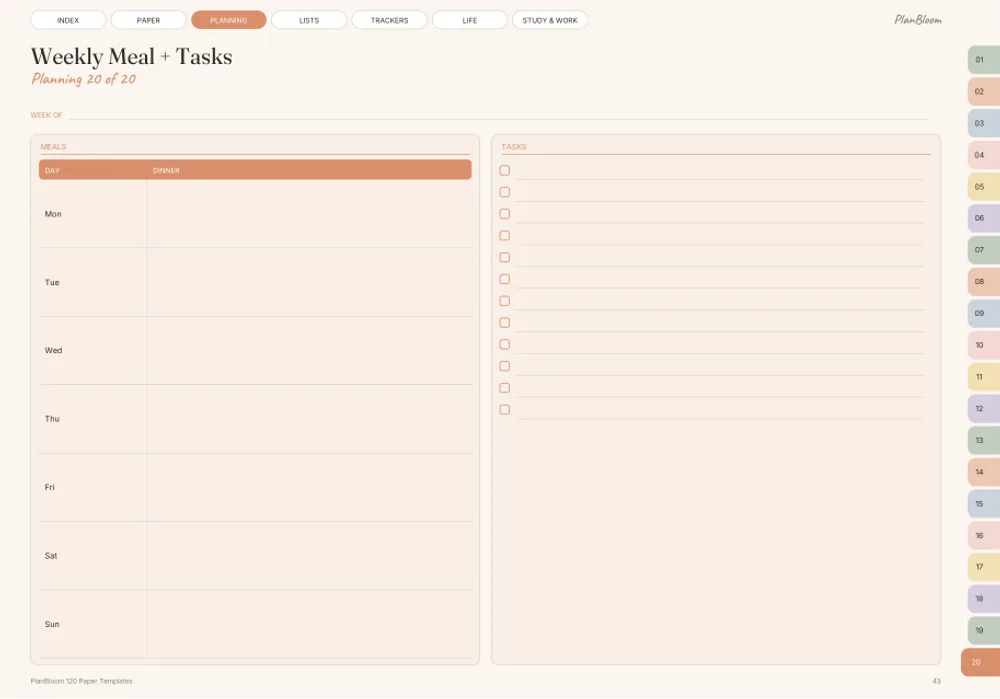
- Weekly meal plans
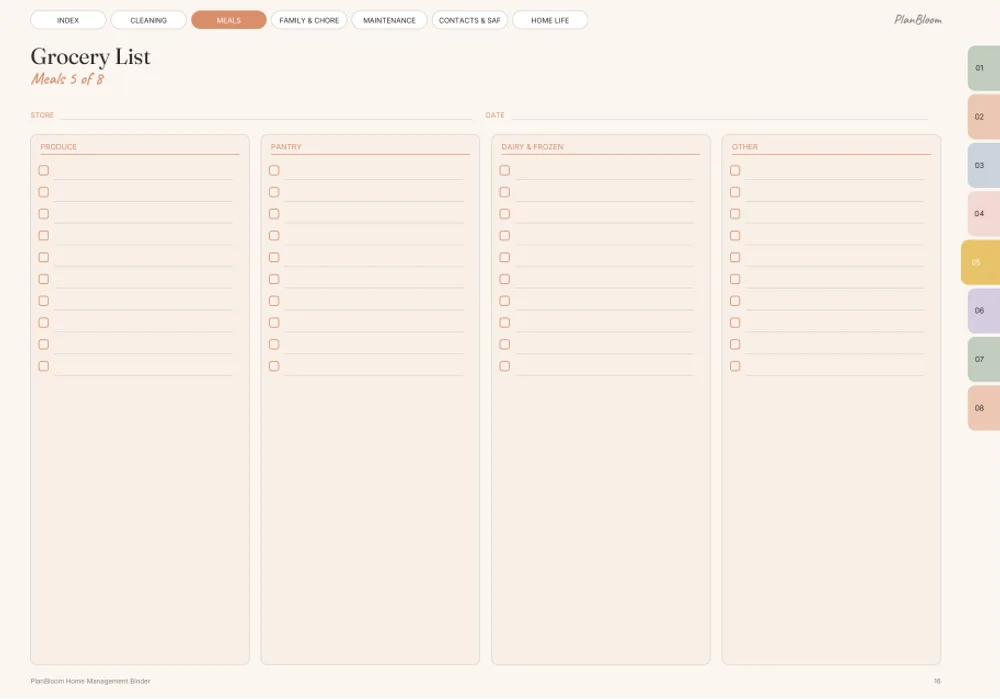
- Grocery list
- Pantry inventory
- Recipe cards
- Freezer inventory
Family and chores
- Chore chart
- Family schedule
- Kids' routines
- Allowance and rewards
- Laundry plan
- Birthdays and events
Maintenance
- Home maintenance log
- Seasonal maintenance
- Appliance records
- Home projects
- Vehicle log
Contacts and safety
- Emergency information
- Home contacts (plumber, electrician, school)
- Important documents checklist
- Pet care log
- Utilities tracker
- Moving checklist
Home life
- Garden planner
- Holiday planner
- Home budget snapshot
- Decor and wishlist
- Warranty and receipts
- Weekly home reset
Start small
You don't need all of it. A minimal binder has three pages:
- A weekly schedule that shows where everyone is.
- Emergency information with contacts and medical notes you choose to include.
- A cleaning routine you can finish on a bad day.
Add a section when you feel the need. If you find yourself searching the house for a warranty, add a warranty page.
Digital vs printed
| Digital | Printed | |
|---|---|---|
| Search and update | Easy | Rewrite by hand |
| Backups | Cloud | One copy |
| Emergency access | Needs a device | Always available |
| Reuse weekly pages | Duplicate | Reprint |
| Sharing | Send a file | Make a copy |
A good compromise: digital for planning and printed for emergency information on the fridge or in a folder.
Keep private data safe
Don't put account numbers, passwords or sensitive identity documents in a shared or unprotected file. Use your judgment about what to include, store the file in a protected place and keep backups secure. This is general advice, not legal or financial guidance.
The binder that comes with the planner
PlanBloom All-in-One Digital Planner includes a Home Management Binder as a gift: 40 templates on 46 pages, organized in the six sections above (Cleaning, Meals, Family & Chores, Maintenance, Contacts & Safety and Home Life). It's a hyperlinked PDF, so you can open it on a tablet and tap between sections or print the pages you want. It sits alongside a dated 2027-2028 planner, an undated planner, 48 notebooks, 120 paper templates, a Student pack, a Work pack, covers and stickers.
A weekly rhythm
- Sunday reset: look at the family schedule and the week's meals.
- Plan groceries: check the pantry and write the list.
- Choose cleaning focus: pick a room or a deep-clean task.
- Review chores: assign and tick.
- Capture loose items: anything that popped up goes into a brain dump (see the brain dump guide).
Make it yours
- Edit labels so they match your life (pets, a garden or a car).
- Delete pages you won't use.
- Keep a list of "things to review yearly" such as insurance and subscriptions.
- Update the contacts page when numbers change.
A household system works best when it connects to the rest of your plan. For the full approach, see how to organize your life.